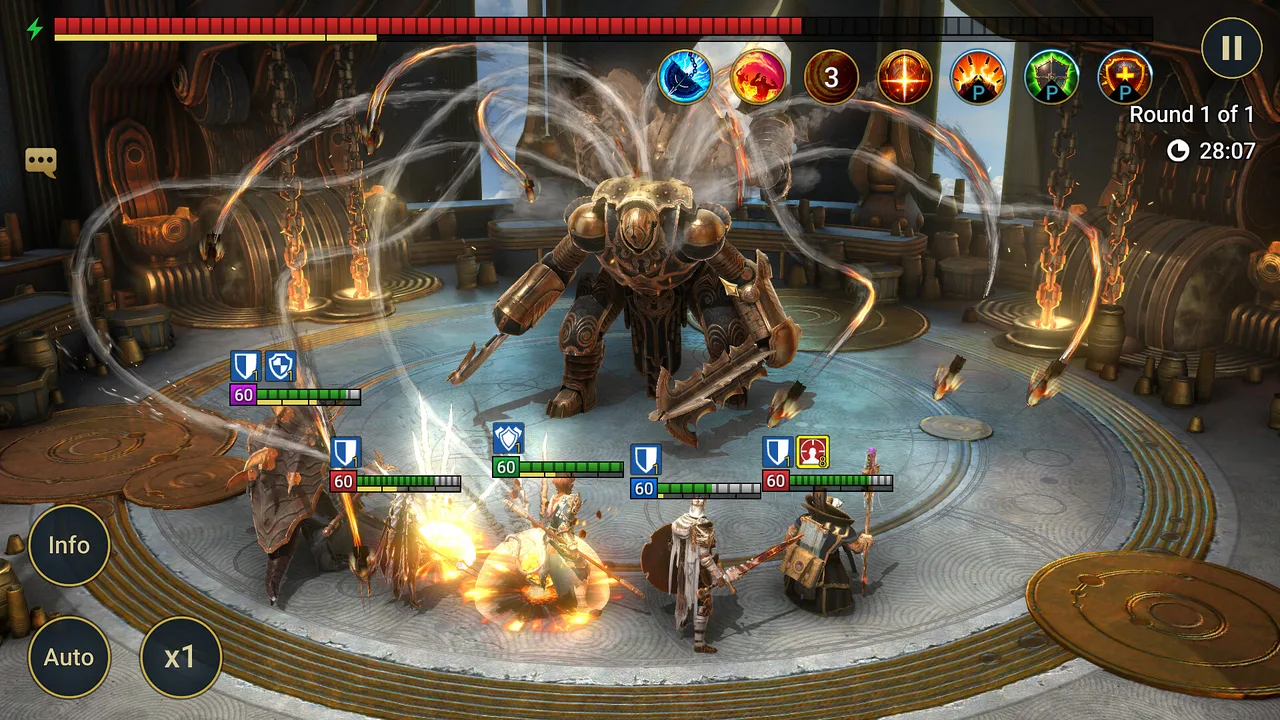
You can play RAID: Shadow Legends on PC without any workaround: Plarium, the developer, offers it through its own launcher, Plarium Play, and through Steam. Both are free to download. The only real decision is which one to use, and whether you want your existing mobile account to come with you.
What Is the Quickest Way to Play RAID: Shadow Legends on PC?
Install Plarium Play, sign in with a Plarium ID and download the game from the launcher. That is the route Plarium's own site points to for both PC and Mac, and it is the one built around syncing with mobile. If you only play on Windows and prefer having everything in your Steam library, the game is also listed on Steam as a free-to-play title.
Either way, treat your Plarium ID as the real owner of the account. Everything below (syncing, switching devices, recovering progress) hangs off it.
Steam vs Plarium Play vs Emulator: Which Should You Pick?
| Steam | Plarium Play | Android emulator | |
|---|---|---|---|
| Who provides it | Plarium (store listing by Plarium Global Ltd) | Plarium (official launcher) | Third-party software |
| Price | Free to play | Free launcher and game | Emulator terms vary |
| Platforms | Windows only (per the Steam listing) | Windows and Mac, according to Plarium | Depends on the emulator |
| Mobile sync | Via a Plarium ID linked through Plarium Play | Plarium ID, same one as on mobile | Mobile version of the game, separate setup |
| Best for | Players who keep their library in Steam | Most players, and anyone moving over from mobile | Players who already use one and accept its rules |
A note on emulators: they run the mobile version of the game on your PC, and they are not Plarium's own solution. Plarium already provides official PC options, so there is no need to go that route just to play on a computer. We have not checked Plarium's terms for emulator use, so read them yourself before relying on one.
How Do You Install RAID on PC?
With Plarium Play:
- Download Plarium Play from the official Plarium site (the launcher is free).
- Install it and sign in, or create a Plarium ID.
- Pick RAID: Shadow Legends in the launcher and download it.
- Launch the game from Plarium Play. Patches and updates come through the launcher.
With Steam:
- Search for "RAID: Shadow Legends" in the Steam store. The listing is published by Plarium Global Ltd, and Steam shows the app ID as 2333480.
- Click Play Game to add it to your library and install it. Steam lists the release date as 9 January 2024.
- Launch it. If you already have a mobile account, link it before you start playing (next section).
How Do You Move Your Mobile Account to PC?
Plarium's announcement of the PC sync feature (27 September 2021) describes the official method. On mobile:
- Open RAID and tap your avatar to reach Settings.
- In the Profile tab, tap "Connect to Plarium ID".
- Enter your Plarium ID details and tap Connect. New users choose "Create ID" and enter an email and password.
- On PC, sign in to Plarium Play with that same Plarium ID.
Plarium states that you must use the same Plarium ID on mobile and in Plarium Play. Once connected, your progress is shared between the two.
Using Steam with an existing account: Steam sign-in is handled through Plarium Play. A Plarium community manager wrote on the game's Steam forum (8 January 2024) that launching the Steam version before linking can create a separate account, and described a fix: in Plarium Play choose "Add Account", pick Steam and log in, add an email and password, unlink Steam (with the Steam version closed), switch back to your main account and link Steam to it. That is a workaround posted in a forum thread, not a support-page procedure, so follow it carefully and contact Plarium support if anything looks wrong.
What Are the System Requirements?
These come from the Steam listing (pulled from Steam's store data on 7 October 2026):
| Minimum | Recommended | |
|---|---|---|
| OS | Windows 10 version 21H1, Windows 11 21H2 | Windows 10 21H1 or newer (x64), Windows 11 21H2 or newer (Arm64) |
| Processor | x86/x64 with SSE2 support, or Arm64 | Same |
| Memory | 8 GB RAM | 8 GB RAM |
| Graphics | DirectX 11 / Vulkan-capable GPU | DirectX 11 or newer / Vulkan-capable GPU |
| Storage | 5 GB available | 8 GB available |
Both tiers require a 64-bit processor and operating system. Steam publishes no Mac requirements because it lists the game for Windows only. For Mac, use Plarium Play and check the requirements on Plarium's own pages.
How Should You Start on PC?
- Redeem codes early. Brand-new accounts have access to codes that older accounts cannot use, so do it before you progress. We keep a current list in our RAID promo codes guide.
- Don't spend your first shards blindly. Check which champions are worth building before you commit resources, using our champion tier list.
- Decide if the grind suits you. If you are still undecided about the game itself, our RAID: Shadow Legends review covers what is free-to-play friendly and what is not.
- Keep one Plarium ID. Linking a second ID by accident is the most common way to end up with two half-finished accounts.
FAQ
Is RAID: Shadow Legends free on PC? Yes. Steam lists it as free to play, and Plarium describes Plarium Play as free to download and use. The game has in-app purchases, like the mobile version.
Can I play on PC and mobile with the same account? Yes, if both are connected to the same Plarium ID. Plarium says progress syncs between the two.
Is there a Mac version? Plarium says Plarium Play works on PC and Mac. The Steam listing is Windows only.
Do I need Steam to play on PC? No. Plarium Play is the official launcher and does not require Steam.
Should I use an emulator? You do not need one to play on a computer, since Plarium provides official PC options. If you choose one anyway, that is your call and your risk; we have not verified how Plarium treats emulator accounts.
The Short Version
Install Plarium Play if you want the simplest path and mobile sync, use Steam if your games live there, and link everything to a single Plarium ID before you start playing. Then grab the new-account codes and build your team with a tier list in hand.