Once Human is a free-to-play survival game, but its 100 GB install and open-world streaming make it harder on a PC than the price suggests. Below are the Once Human PC requirements as published on the official Steam page, then the settings and upgrades that matter if your frame rate is not where you want it.
Once Human system requirements (official)
According to the Steam store page for Once Human (checked October 2026), the developer lists the following:
| Component | Minimum | Recommended |
|---|---|---|
| OS | Windows 10 64-bit | Windows 10 64-bit |
| CPU | Intel Core i5-4460 / Snapdragon X | Intel Core i7-7700 / Snapdragon X2 Elite |
| RAM | 8 GB | 16 GB |
| GPU | Nvidia GTX 750 Ti 4G / AMD Radeon RX 550 / Qualcomm Adreno X1 | Nvidia GTX 1060 6G / AMD Radeon RX 580 2304SP / Intel Arc A380 / Qualcomm Adreno X2 |
| DirectX | Version 11 | Version 12 |
| Storage | 100 GB available | 100 GB available |
| Notes | SSD highly recommended | SSD highly recommended |
Steam does not state a target resolution or frame rate for either tier. Treat "minimum" as "boots and plays", not as a promise of smooth 60 FPS.
Can your PC run Once Human?
A quick way to read the table:
- Below minimum (4 GB RAM, integrated graphics from before the Qualcomm and Intel Arc era): expect it not to launch or to be unplayable.
- Around minimum: playable at low settings, but a 100 GB open-world game on a hard drive means long loads and texture pop-in. The official page itself pushes an SSD.
- Around recommended: the GTX 1060 / RX 580 class is what the developer considers a comfortable baseline. Note that these are older cards, so most mid-range GPUs from the last few years sit above it.
- Well above recommended: your limit becomes the CPU and RAM during busy base-building and multiplayer scenes, not the GPU.
Hardware lists describe the game, not your monitor. A 144 Hz or 1440p screen asks much more of the same GPU than the 1080p tier the recommended spec most likely targets, though Steam does not confirm that.
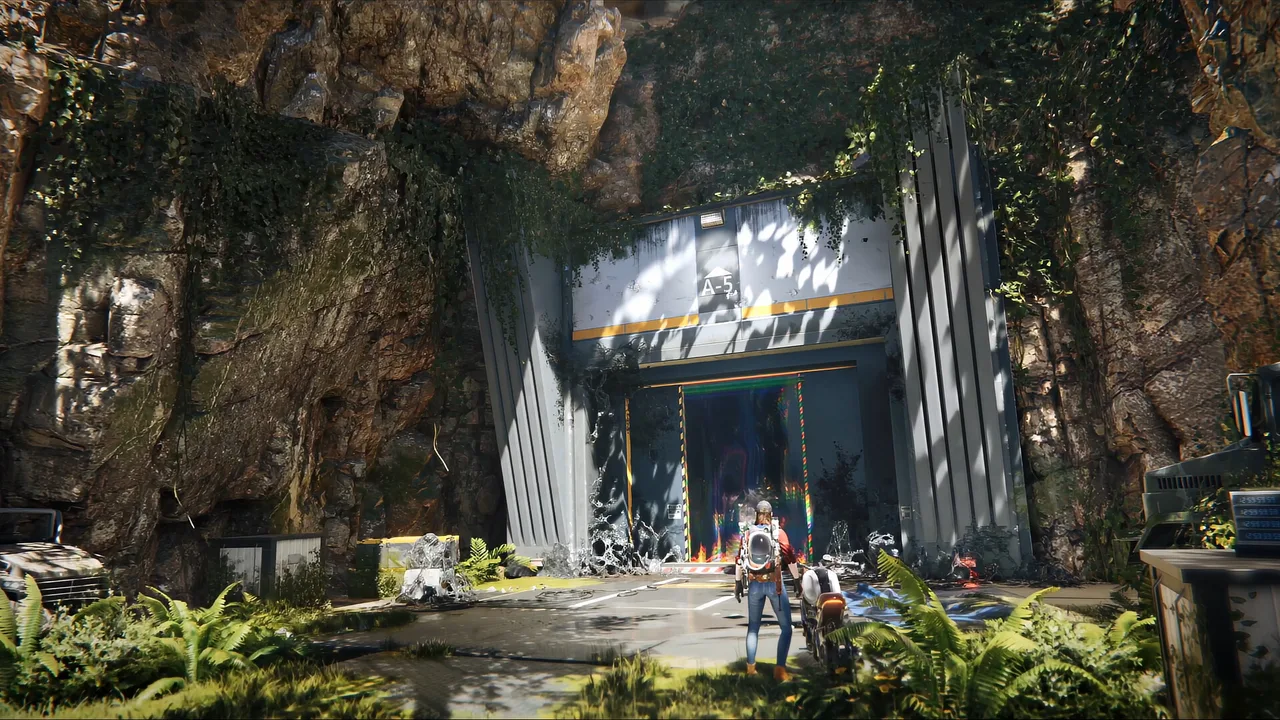
Once Human best settings for FPS
These are community recommendations, not official ones. According to Prima Games' settings guide, texture quality and anti-aliasing shape most of the visual result, and an FSR upscaler set to Quality gives a large FPS gain for little visible loss. Other community optimization guides broadly agree on lowering effects before textures. We have not run a benchmark, so no FPS numbers are given here.
| Setting | Community recommendation | Impact |
|---|---|---|
| Texture Quality | High if your GPU has more than 4 GB of VRAM, Low if under | Uses VRAM, little FPS cost if it fits |
| Anti-Aliasing | FXAA for FPS, TAA for a cleaner image | FXAA is lighter, TAA is softer but smoother |
| Upscaling (FSR) | Quality mode on weaker GPUs | Biggest single FPS gain per the guides |
| Render Scale | 100 unless you need more FPS | Lowering it blurs the image |
| Shade / Shadows | Low | Noticeable FPS gain |
| VFX | Lowest | Helps in fights and heavy effects |
| Vegetation Density | Low | Helps in forests and dense areas |
| Draw Distance | High, lower only if CPU-bound | Affects distant detail and CPU load |
| V-Sync | Off | Removes added input delay |
| Motion Blur | Off | Visual preference, small cost |
Settings vary by GPU: one community benchmark site, The Frame Coach, lists high and ultra values for an RX 6600 at 1080p, while lower-end cards get lower presets. Start from a preset, change one setting at a time, and compare in the same location.
Upgrades that matter most
- SSD first, if you are on a hard drive. The game is large and the developer recommends an SSD. It is usually the cheapest change with the clearest effect on loading and streaming.
- RAM to 16 GB. 8 GB is the listed minimum and 16 GB is the listed recommendation. Running at 8 GB leaves little room for the OS and background apps.
- GPU. If you are below the GTX 1060 / RX 580 class, a graphics card is the biggest upgrade for frame rate and resolution. Pick by your monitor: 1080p needs far less than 1440p.
- CPU. Worth it only if monitoring shows the GPU waiting on a processor near the i5-4460 era.
If you are planning a full machine rather than a single part, our budget gaming setup guide covers how to split money between parts.
Once Human FPS FAQ
Is Once Human CPU or GPU heavy? Steam lists both, with CPUs from 2014 (minimum) and 2017 (recommended). In practice it depends on scene and resolution, so check usage while playing.
Does Once Human run on a laptop? Steam lists Snapdragon X and Qualcomm Adreno GPUs, which signals laptop-class support. Check your exact GPU against the table.
Do I need Windows 11? The Steam page lists Windows 10 64-bit for both tiers. We did not verify a Windows 11 statement.
Will better hardware help my build? Performance helps you fight and move smoothly, but your loadout matters too. See our Once Human best builds guide and our Once Human review for how the game plays today.